
Running an escort job isn’t just about showing up-it’s about managing time, staying safe, and keeping communication smooth. If you’re doing this on your own, you’re probably juggling messages, appointments, payments, and personal safety all at once. The right tools can cut down the stress, save hours every week, and help you avoid dangerous situations before they happen.
Calendar Apps for Booking and Reminders
Missed appointments cost money. For escorts, one missed slot can mean a full day’s income gone. Google Calendar and Apple Calendar are free, reliable, and work across devices. Set up color-coded events: red for client meetings, green for personal time, blue for travel. Turn on notifications 30 minutes and 5 minutes before each appointment. Add travel time as a buffer-don’t schedule back-to-back sessions unless you’re in the same building.
Some escorts use Calendly to let clients pick slots directly. You set your availability, and they book without back-and-forth texts. No more asking, “Are you free Thursday at 7?” It cuts down 80% of scheduling messages. Just make sure you link it to a burner email or separate number-not your personal one.
Secure Messaging Apps That Protect Your Identity
Texting clients on your main phone number is risky. If your number gets leaked, you’re exposed. Use apps like Signal or Telegram. Both offer end-to-end encryption, self-destructing messages, and the ability to create usernames instead of sharing your phone number.
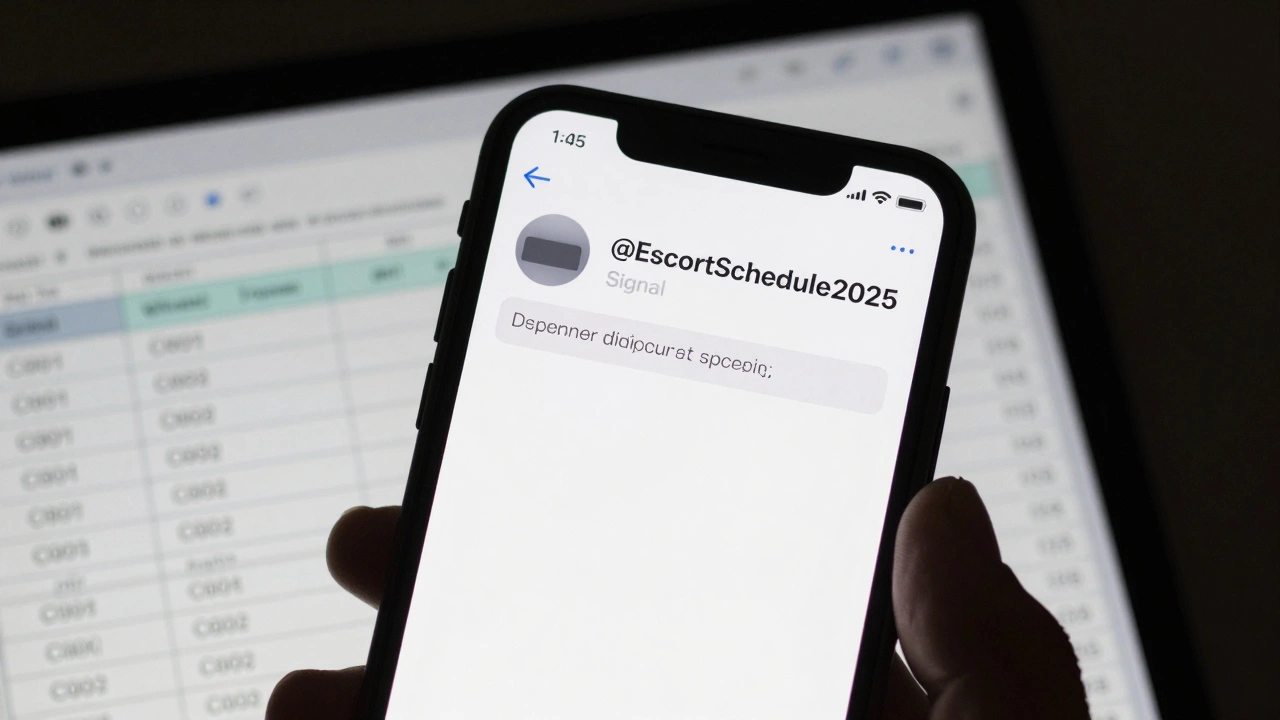
Signal is the gold standard for privacy. It doesn’t store metadata, and you can lock the app with a passcode. Telegram lets you create a username like @EscortSchedule2025 so clients can message you without knowing your real number. Use separate profiles for each platform-don’t mix personal and work chats. Delete old conversations weekly. Don’t save screenshots of client names or addresses.
Payment Apps That Keep Transactions Clean
Cash is still common, but digital payments are faster and safer. Venmo and Cash App are popular in the U.S., but they’re linked to your real name and bank. That’s a problem. Use apps designed for discreet transactions: PayPal (with a business account under a fake name), Wise, or even cryptocurrency like Bitcoin.
Wise lets you create a business profile under a pseudonym and receive payments in multiple currencies. You can send clients a link to pay $200 without ever giving them your bank details. Bitcoin is harder to trace, but you need a wallet like BlueWallet or Electrum. Always confirm payment before the client enters your location. Never rely on “I’ll pay you later.”
Location Privacy Tools
Sharing your exact location in real time is dangerous. Use fake location apps like Fake GPS Location (Android) or Location Faker (iOS). These let you appear to be in a different city or neighborhood. If a client asks where you are, send a fake location in a safe area-like a hotel lobby or public park-instead of your actual home or apartment.
Also, turn off location services for all apps except maps when you’re not actively using them. iOS and Android let you toggle location access per app. Disable Google, Facebook, and even your camera app from tracking your movements. Use a VPN like ProtonVPN or Mullvad when browsing escort sites. Your IP address can reveal your city, and that’s enough for someone to find you.
Screen Recording and Safety Alerts
Some escorts record their sessions-not to share, but as protection. If something goes wrong, you have proof. Use built-in screen recording on iPhone (Control Center) or Android (Quick Settings). Start it before the client arrives. Keep the recording hidden in a locked folder.
There are also safety apps like bSafe and Lady Safety. They let you set up a “panic button.” If you feel unsafe, you tap once and it sends your live location, audio, and a message to 3 trusted contacts. You can even set it to trigger if your phone stops moving for 10 minutes. These apps don’t need to be open-they run in the background. Test it once a month. Make sure your contacts know what to do if they get the alert.
Inventory and Client Tracking Spreadsheets
Keep a simple spreadsheet. Column A: Client Name (use a code like C001, C002). Column B: Date and time. Column C: Service provided. Column D: Payment received (yes/no). Column E: Notes-like “likes candles,” “arrives early,” “nervous.”
Use Google Sheets or Excel. Share it only with someone you trust, like a close friend or roommate. Don’t store it on your phone. Back it up to a password-protected cloud drive. This isn’t about stalking clients-it’s about spotting patterns. If someone cancels three times in a row, they’re probably unreliable. If someone always pays late, don’t book them again.
VPN and Browser Privacy
When you’re browsing escort sites, job boards, or forums, your browser is tracking you. Clear cookies after every session. Use Firefox with the uBlock Origin and Privacy Badger extensions. Install a trusted VPN every time you log in. NordVPN and ExpressVPN have servers in multiple countries, so your traffic looks like it’s coming from somewhere else.
Never use public Wi-Fi for anything work-related. Even if it’s password-protected, someone else on the same network can see your activity. Use your phone’s hotspot instead. It’s slower, but safer.

Automated Response Templates
Replying to the same questions over and over wastes time. Save templates in your messaging app:
- “I’m available Tuesday and Thursday after 6 PM. Rates start at $200/hour.”
- “I don’t do outcalls past 10 PM. No exceptions.”
- “Payment must be confirmed before arrival. Cash or Wise only.”
Copy and paste these. Don’t type them out. It saves 10-15 minutes a day. And never respond to messages that feel off-“I’m a cop testing you,” “I’ll pay double if you come to my house,” or “I know where you live.” Block and move on.
Emergency Contacts and Safety Plan
Keep a list of three people you can call if something goes wrong. One should be a friend who knows your schedule. One should be a lawyer or advocate who understands sex work rights. One should be a local safe house or support group. Save their numbers under fake names like “Mom” or “Work.”
Have a plan for what to do if a client refuses to leave, becomes aggressive, or tries to take your phone. Know the nearest 24-hour store, gas station, or hotel. Walk there if you feel unsafe. Don’t wait for the police to arrive-get out first.
What Not to Do
Don’t use your real name anywhere-not on apps, not on your phone, not on your social media. Don’t post photos with your face. Don’t use your personal email for bookings. Don’t accept gifts from clients-cash only. Don’t share your routine. Don’t trust anyone who says they’ll “help you get out” of this line of work. That’s a common scam.
Tools won’t make your job risk-free. But they can make it smarter, quieter, and more under your control. The goal isn’t to look like a business owner-it’s to stay safe, stay paid, and keep your life separate from your work.
Can I use my personal phone for escort work?
No. Use a separate burner phone with a prepaid SIM card. Link it to a fake name and avoid using it for anything personal. This keeps your identity and personal life protected from clients, scammers, and accidental leaks.
Are escort scheduling apps legal?
Yes, scheduling apps like Calendly or Google Calendar are legal tools. Their use depends on local laws around sex work. The apps themselves don’t break any rules-it’s what you do with them that matters. Always check your city’s regulations on advertising and client communication.
What’s the safest way to get paid as an escort?
Wise and Bitcoin are among the safest. Wise lets you receive payments under a business name without revealing your identity. Bitcoin transactions are irreversible and don’t link to your bank. Cash is still common, but always confirm payment before allowing entry. Avoid Venmo, Zelle, or PayPal linked to your real name.
Should I record my sessions?
Recording your sessions isn’t required, but it’s a strong safety measure. Use your phone’s built-in screen recorder. Store the files in a locked folder or encrypted drive. Don’t share them. Only use them as evidence if something goes wrong. Many escorts say this has saved them from false accusations.
How do I know if a client is dangerous?
Red flags include: asking for your real name, wanting to meet at their place, refusing to pay upfront, being overly aggressive or emotional, asking for photos of your home, or saying they’re a cop. Trust your gut. If something feels off, cancel. You don’t owe anyone your safety.
Do I need a VPN for escort work?
Yes. A VPN hides your IP address so your location can’t be traced when you’re browsing job boards or messaging clients. Use NordVPN or Mullvad. Always connect before opening any work-related site. Never use public Wi-Fi without one.
Next Steps
Start with one tool. Pick the biggest pain point-maybe it’s scheduling, or payments, or safety. Set up just that one thing this week. Don’t try to do everything at once. Once it’s working, add the next. Your workflow should get smoother, not more complicated.
Review your tools every 3 months. Delete old apps. Update passwords. Change your burner number if you feel exposed. Stay ahead of risks. The best escort isn’t the one who works the most hours-it’s the one who stays in control.